
Introduction
How many times have you faced this scenario: You need to share a photo from your iPhone, but the recipient can’t open HEIC files. Or you receive a PDF that needs to be edited, but you don’t have the right software. Maybe you just want to extract audio from a video without installing bulky desktop applications.
File format conversion is one of those everyday frustrations in our digital lives. Traditional solutions often come with drawbacks:
- Desktop software requires installation and updates
- Online converters upload your files to unknown servers (privacy concerns)
- Premium tools charge subscription fees for basic features
- Many platforms impose file size limits or watermarks
What if there was a better way? Enter FreeConvert.cc - a free online file conversion platform that solves all these problems while keeping your data completely private.
What is FreeConvert.cc?
FreeConvert.cc is a comprehensive online file conversion platform that processes files directly in your browser. Unlike traditional online converters, your files never leave your device - all processing happens locally using modern web technologies.
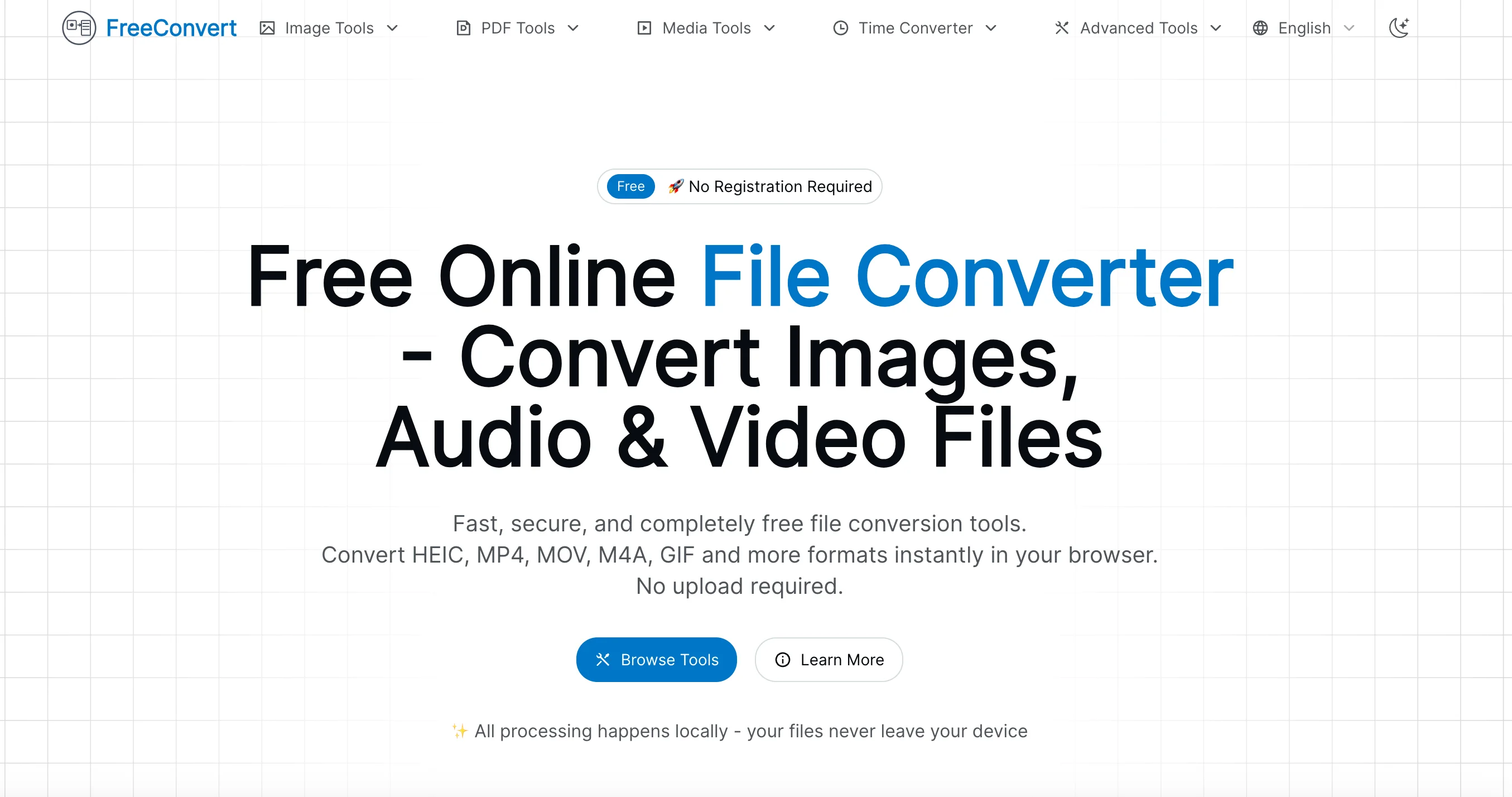
The platform offers a wide range of conversion tools across multiple categories:
- 🖼️ Image Conversion - HEIC, WebP, JPG, PNG formats and compression
- 📄 PDF Tools - Convert, merge, split, and compress PDFs
- 🎵 Audio/Video Conversion - Extract audio, convert formats, create GIFs
- 🌐 Utility Tools - Time zone conversion, currency conversion, OCR, and more
Core Features Breakdown
3.1 Image Conversion Tools
Image format conversion is one of the most common needs for both professionals and casual users. FreeConvert.cc excels in this area with several powerful tools:
HEIC to PNG/PDF Converter If you’ve ever tried to share iPhone photos with Android users or Windows PC users, you know the pain. Apple’s HEIC format saves space but creates compatibility headaches. This tool instantly converts HEIC files to universally supported PNG or PDF formats.
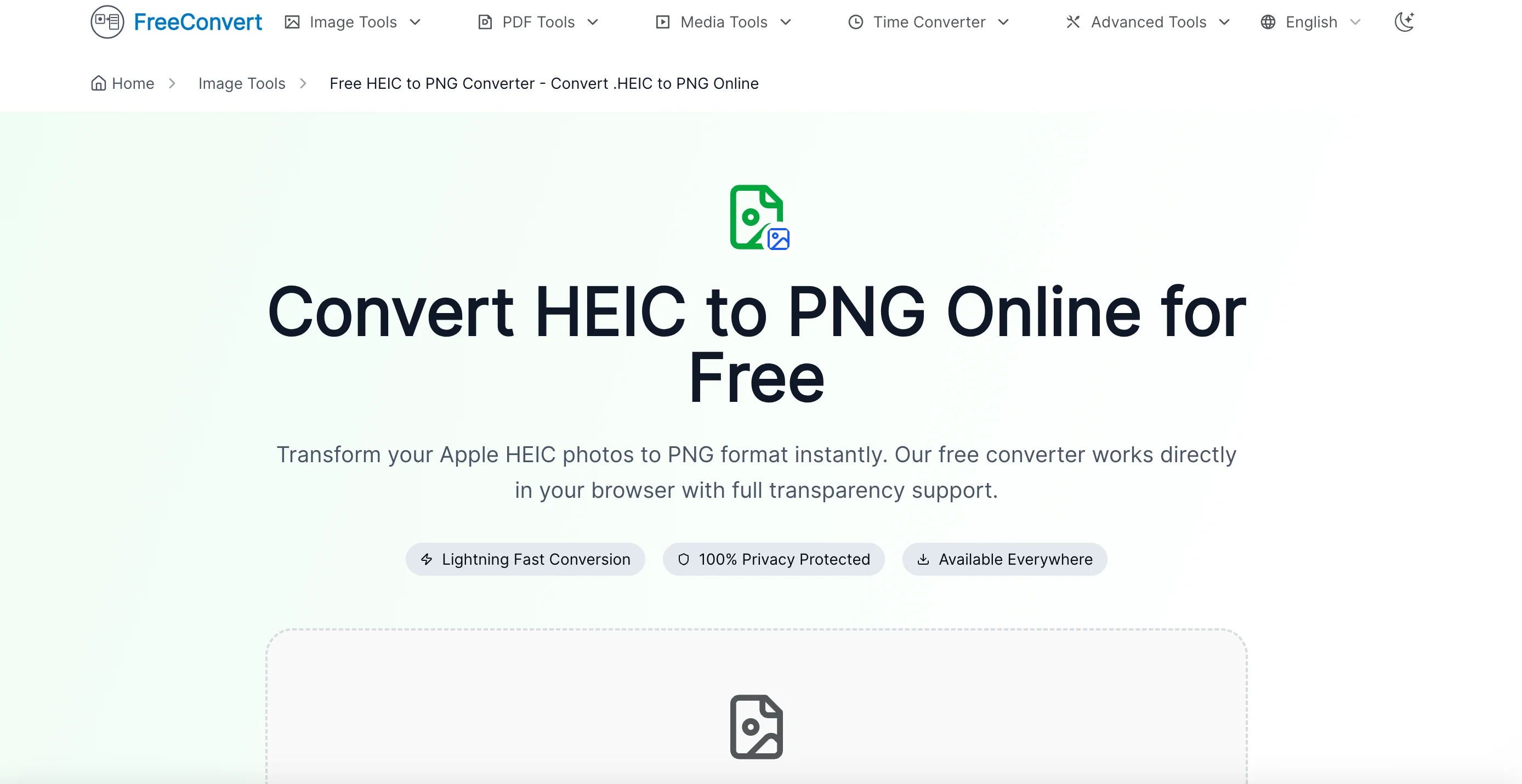
WebP to PNG/JPG Converter WebP is increasingly common on websites for its superior compression, but many applications still don’t support it. Convert WebP images to traditional formats effortlessly.
Image Compression & Optimization Reduce file sizes without visible quality loss - perfect for website optimization, email attachments, or saving storage space.
Real-world use cases:
- Photographers sharing high-resolution images with clients
- Web designers optimizing images for faster page loads
- Social media managers preparing content in multiple formats
3.2 PDF Processing Tools
PDF remains the universal document format, but working with PDFs often requires expensive software. FreeConvert.cc provides essential PDF tools for free:
PDF to Word Conversion Need to edit a PDF document? Convert it to Word (.docx) format and make your changes with ease. Perfect for:
- Editing contracts and agreements
- Modifying forms and templates
- Extracting content for reuse
PDF Merge & Split Combine multiple PDFs into one document, or extract specific pages from a large PDF. Useful for:
- Creating presentation decks from multiple sources
- Extracting relevant sections from reports
- Organizing digital paperwork
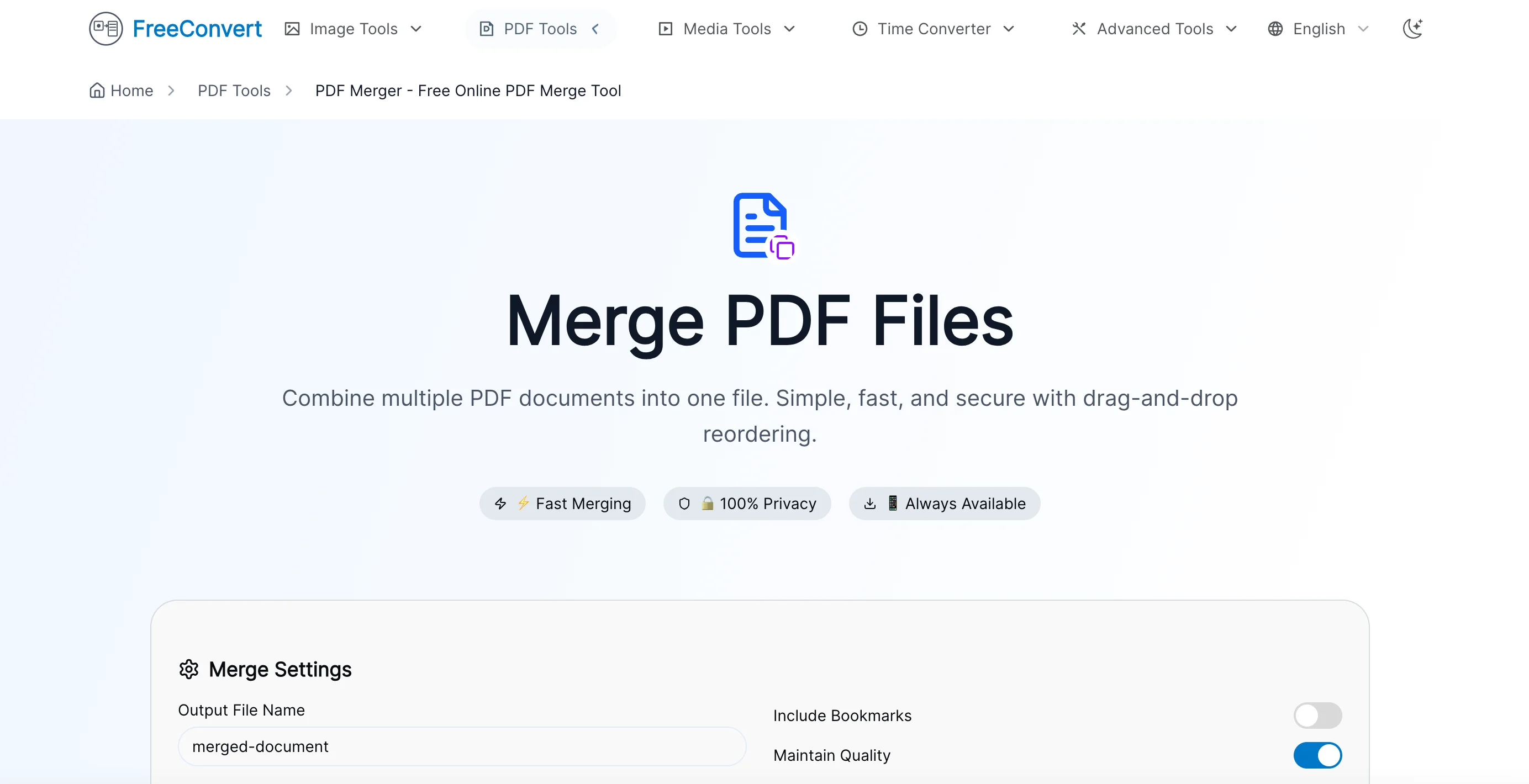
PDF Compression Reduce PDF file sizes to meet email attachment limits or save storage space without compromising readability.
3.3 Audio & Video Conversion
Content creators and casual users alike need quick media conversion tools:
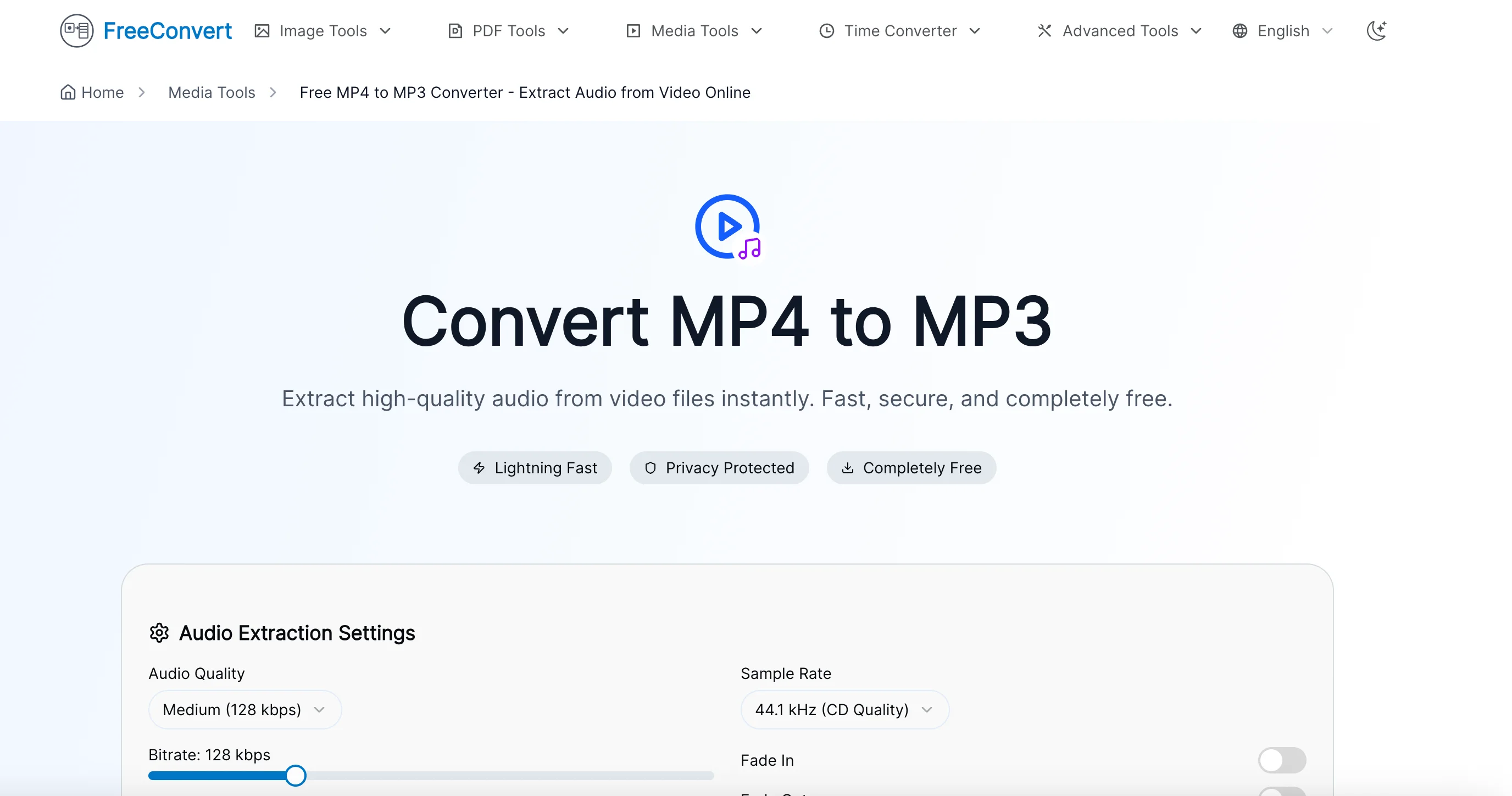
MP4/MOV to MP3 Conversion Extract audio from video files - ideal for:
- Creating podcast clips from video interviews
- Extracting music from concert videos
- Converting lectures for audio-only listening
GIF Creation & Conversion Convert videos to GIFs or transform existing GIFs - essential for:
- Social media content creation
- Creating animated tutorials
- Sharing quick reactions and highlights
3.4 Additional Utility Tools
Beyond file conversion, FreeConvert.cc offers several useful utilities:
- Time Zone Converter - Coordinate across global time zones (UTC, EST, PST, IST, etc.)
- Currency Converter - Real-time currency exchange calculations
- Unit Converter - Convert between various measurement units
- OCR Text Recognition - Extract text from images
- Image Editor - Basic editing tools, watermarking, and photo collage creation
Five Core Advantages
4.1 🔒 Privacy & Security First
The game-changer: Local Processing Technology
This is where FreeConvert.cc truly stands apart from competitors. When you upload a file, it doesn’t get sent to a remote server. Instead, the conversion happens entirely in your browser using JavaScript and WebAssembly technologies.
Why this matters:
- Sensitive documents stay private - Your financial records, personal photos, or confidential business documents never leave your computer
- No data breach risk - Since files aren’t uploaded, they can’t be intercepted or leaked
- Compliance-friendly - Easier to meet GDPR, HIPAA, or corporate data policies
- No “cloud storage” concerns - Files aren’t stored anywhere except your device
Comparison with traditional online tools:
| Aspect | FreeConvert.cc | Traditional Online Converters |
|---|---|---|
| File upload | ❌ No upload needed | ✅ Files sent to servers |
| Data privacy | ✅ 100% private | ⚠️ Depends on provider |
| Risk of interception | ❌ None | ⚠️ Possible during transfer |
| Data retention | ❌ Nothing stored | ⚠️ Often unclear |
4.2 💰 Completely Free
In an era where everything comes with a subscription, FreeConvert.cc is refreshingly free:
- ✅ No payment required - All features available without credit card
- ✅ No watermarks - Your converted files remain clean
- ✅ No usage limits - Convert as many files as you need
- ✅ No feature restrictions - Full functionality without “premium” tiers
- ✅ No ads overload - Clean, focused interface
Cost comparison:
- Adobe Acrobat Pro: $19.99/month for PDF tools
- Professional image converters: $30-50 one-time purchase
- FreeConvert.cc: $0.00
4.3 🚀 No Registration Required
Instant access without the hassle:
- Jump straight to conversion - no sign-up forms
- No password to remember
- No email verification waiting
- No spam or marketing emails
- Start working in seconds, not minutes
Time saved: The average user spends 2-3 minutes on registration processes. With FreeConvert.cc, you save that time on every visit.
4.4 ⚡ Batch Processing Support
Efficiency multiplied:
Convert multiple files simultaneously instead of one at a time:
- Upload 10 HEIC photos and convert them all to PNG at once
- Process an entire folder of documents
- Save hours on repetitive conversion tasks
Example scenario: A photographer returns from a shoot with 50 HEIC photos to share with a client. Instead of converting each file individually (50+ minutes), batch processing completes the job in under 5 minutes.
4.5 🌐 Browser-Based Convenience
Access anywhere, on any device:
- No installation - No software bloating your hard drive
- Cross-platform - Works on Windows, Mac, Linux, iOS, Android
- Always up-to-date - No need to download updates
- Portable solution - Access from library computers, work machines, borrowed devices
- Low storage footprint - Perfect for devices with limited space
System requirements: Just a modern browser (Chrome, Firefox, Edge, Safari). That’s it.
How to Use: Step-by-Step Tutorial
Let me walk you through a common use case: Converting HEIC photos from iPhone to PNG format
Step 1: Visit the Website
Navigate to https://www.freeconvert.cc in your browser.
Step 2: Select Your Tool
Click on “HEIC to PNG” from the image conversion tools section.
Step 3: Upload Files
- Click the upload area or drag-and-drop your HEIC files
- You can select multiple files for batch conversion
- Files are loaded into your browser memory (not uploaded to servers)
Step 4: Configure Settings (if available)
Some tools offer optional settings like quality adjustment or resolution settings. For basic conversion, defaults work great.
Step 5: Convert & Download
- Click the “Convert” button
- Wait for processing to complete (usually seconds)
- Download your converted PNG files individually or as a ZIP archive
Pro tip: The entire process typically takes under 30 seconds for most file conversions.
Who Should Use FreeConvert.cc?
📸 Photography Enthusiasts
- Convert RAW formats for client delivery
- Optimize images for web portfolios
- Handle HEIC compatibility issues
- Compress high-resolution photos for sharing
💼 Office Professionals
- Convert PDFs to editable Word documents
- Merge multiple documents into single PDFs
- Compress files for email attachments
- Extract pages from large reports
🎬 Content Creators
- Extract audio from video footage
- Create GIFs from video clips
- Convert media formats for different platforms
- Optimize files for faster uploads
👨🎓 Students
- Convert lecture slides and notes
- Merge research papers and materials
- OCR scanned textbooks for text extraction
- Compress files for cloud storage
🌏 Remote Workers & Global Teams
- Time zone conversion for international meetings
- Document format standardization
- Quick file conversions without IT department software requests
- Privacy-conscious file handling for sensitive business data
Comparison with Alternatives
| Feature | FreeConvert.cc | Traditional Online Tools | Desktop Software |
|---|---|---|---|
| Privacy | ✅ Local processing | ❌ Upload required | ✅ Local processing |
| Cost | ✅ Free forever | ⚠️ Freemium model | ❌ Paid licenses |
| Installation | ✅ None needed | ✅ None needed | ❌ Required |
| Cross-Platform | ✅ Any device | ✅ Any device | ⚠️ OS-specific |
| Batch Processing | ✅ Supported | ⚠️ Often limited | ✅ Usually supported |
| File Size Limits | ⚠️ Browser dependent | ❌ Often restricted | ✅ Usually unlimited |
| Updates | ✅ Automatic | ✅ Automatic | ⚠️ Manual updates |
| Offline Use | ❌ Needs internet | ❌ Needs internet | ✅ Works offline |
Best for: Users who prioritize privacy, need quick conversions, and want to avoid software installations or subscriptions.
Limitations to consider:
- Requires internet connection to load the web app (though processing is local)
- Very large files might be limited by browser memory capabilities
- Some advanced features may be more robust in professional desktop software
Tips and Best Practices
Browser Compatibility
For the best experience, use modern browsers:
- ✅ Google Chrome (recommended)
- ✅ Microsoft Edge
- ✅ Mozilla Firefox
- ✅ Safari (macOS/iOS)
Older browsers or Internet Explorer may not support modern web technologies used for local processing.
File Size Considerations
While FreeConvert.cc can handle reasonably large files, extremely large files (several GB) might:
- Take longer to process
- Consume significant browser memory
- Potentially cause browser slowdowns
Recommendation: For files over 500MB, consider splitting them into smaller chunks if possible.
Network Requirements
Although processing happens locally, you still need internet to:
- Load the web application initially
- Access updated features and tools
- Download conversion libraries (cached after first use)
Offline tip: Once the page is loaded, some browsers may allow limited offline functionality, but this isn’t guaranteed.
Security Best Practices
Even with local processing, follow good security habits:
- ✅ Always backup important files before conversion
- ✅ Verify converted files meet your quality standards
- ✅ Clear browser cache after handling extremely sensitive documents
- ✅ Use trusted networks (avoid public WiFi for sensitive conversions)
Optimal Workflow
- Organize files first - Gather all files needing conversion into one folder
- Use batch processing - Convert multiple similar files together
- Verify outputs - Spot-check a few converted files before processing large batches
- Save frequently - Download conversions promptly to avoid browser tab closures
Frequently Asked Questions
Q: Is FreeConvert.cc really free? A: Yes, completely free with no hidden costs, subscriptions, or feature limitations.
Q: Are my files really safe? A: Yes. Files are processed locally in your browser using JavaScript and WebAssembly. They never leave your device.
Q: What file size limits exist? A: Limits depend on your browser’s memory capacity rather than upload restrictions. Most modern browsers can handle files up to several hundred MB.
Q: Can I use this for commercial purposes? A: Yes, there are no licensing restrictions for commercial use.
Q: Does it work on mobile devices? A: Yes, FreeConvert.cc works on mobile browsers, though the experience is optimized for desktop/laptop screens.
Q: What happens if I close my browser during conversion? A: The conversion will stop since processing happens in your browser. Simply restart the conversion.
Conclusion
In a world where digital file formats seem to multiply endlessly, FreeConvert.cc offers a refreshing solution: a completely free, privacy-respecting, and incredibly convenient file conversion platform.
Why FreeConvert.cc stands out:
- 🔒 Privacy-first approach - Local processing means your files stay yours
- 💰 Zero cost - No subscriptions, no hidden fees, no watermarks
- 🚀 Instant access - No registration, no waiting
- ⚡ Efficient - Batch processing saves time
- 🌐 Universal - Works on any device with a modern browser
Whether you’re a professional handling sensitive client documents, a student organizing study materials, or someone who occasionally needs to convert a file format, FreeConvert.cc deserves a permanent spot in your bookmarks.
Ready to try it? Visit https://www.freeconvert.cc and experience hassle-free file conversion today.
Related Resources
- Official Website: FreeConvert.cc
- Recommended for: Anyone needing quick, secure, and free file conversions
Have you tried FreeConvert.cc? Share your experience in the comments below!
Keywords: free file conversion, online converter, HEIC to PNG, PDF to Word, privacy-safe conversion tool, browser-based file converter, batch file processing
Comments